Vision boards for iPhone
Give your goals a place in your day.
Turn the things you want to do into a board you want to look at. Vizea creates images from your goals, makes room for your photos, and lets you arrange the details.
Your goals · Your photos · Your Home Screen
Board creation, AI generation and widgets require a subscription.
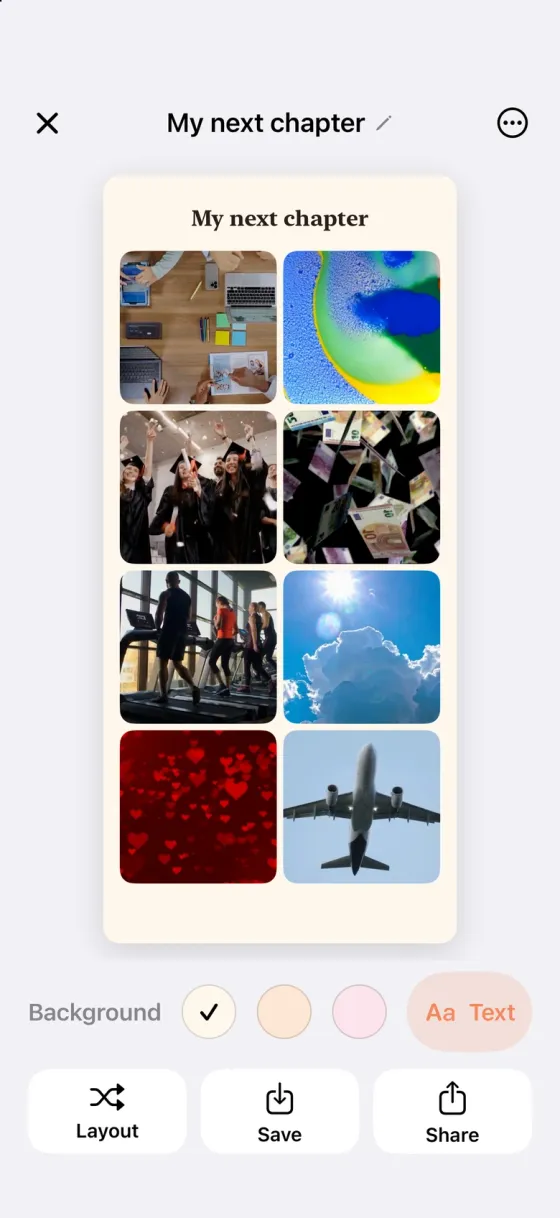
Make room for what matters to you.
A place you want to visit. A skill you want to learn. A little more space for yourself. Bring your goals together, then make the board your own.
Start with your goals
Pick the goals you want to focus on. Vizea creates a scene for each one and arranges the pictures on a board.
Put yourself in the picture
Add your own photos alongside generated scenes. Change the layout, edit captions, or start with a blank canvas.
Keep it close
Add a board to a Home Screen widget, or save an image for your wallpaper. Daily affirmations give you another reason to return.
From an idea to your own board
-
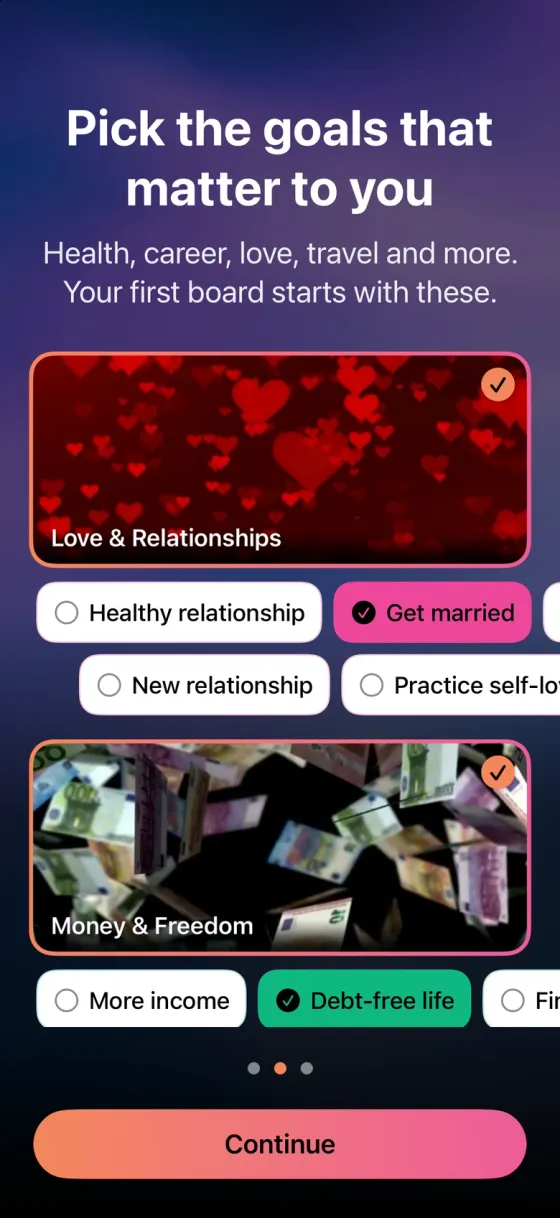
1.Choose your goals
Pick what you want to work toward, then choose a format and add any personal photos.
-
2.Make it yours
Let Vizea generate the scenes and choose a layout. Edit the photos, background and captions until it feels right.
A sample board in Vizea
-
3.Bring it into your day
Save or share your board. Use a Home Screen widget for a glance at your goals without opening the app.
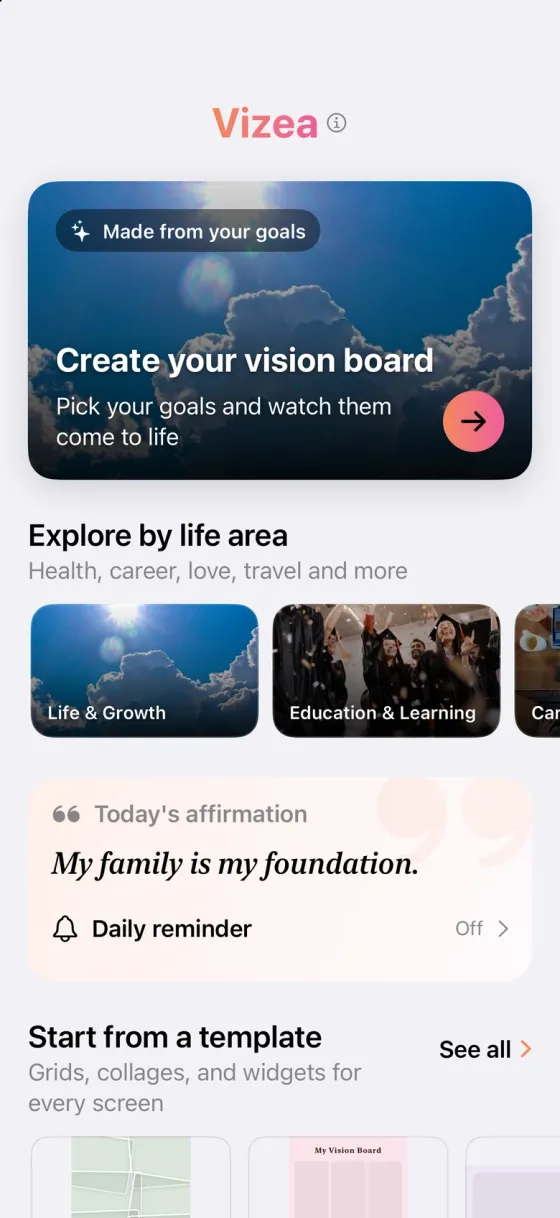
Made for the places you look every day.
Choose a canvas for your board, from a small widget to a full phone wallpaper. Export an image when you are ready to use or share it.
Home Screen
Small, medium and large widgets.
Wallpaper
A tall canvas for your phone.
Story
A vertical board to save or share.
Square
A collage for posts or prints.
A few things to know
What can I make with Vizea?
Create a vision board from goals, your own photos, or a mix of both. Use an editable template or a blank canvas, then save or share the result.
Is Vizea free to use?
You can download Vizea and browse templates for free. Creating boards, generating images and using widgets require a subscription. Current plans and prices are shown in the app before you subscribe.
Does AI change my personal photos?
No. AI creates scene images from goal prompts. Personal photos you add to a board are placed in the layout, not sent to the image model.
Can I use my board as a wallpaper or widget?
Yes. Export a wallpaper-sized board as an image and set it as your wallpaper in iOS. Widget-sized boards work with Vizea’s small, medium and large Home Screen widgets.
Will making a vision board make my goals happen?
A board is a visual reminder of what you want to work toward. It cannot guarantee results or replace the steps you take in real life.
Start with what matters to you.
Give your goals a board of their own with Vizea.